
A sales integration connects your POS or eCommerce platform to Marsello so your orders and customers sync to your account. You can connect a sales integration, add a second one, and disconnect or reconnect a sales integration (also called a sales platform) to suit your business needs.
October 15, 2025How do I connect a sales integration to Marsello?
Connect a sales integration during sign-up
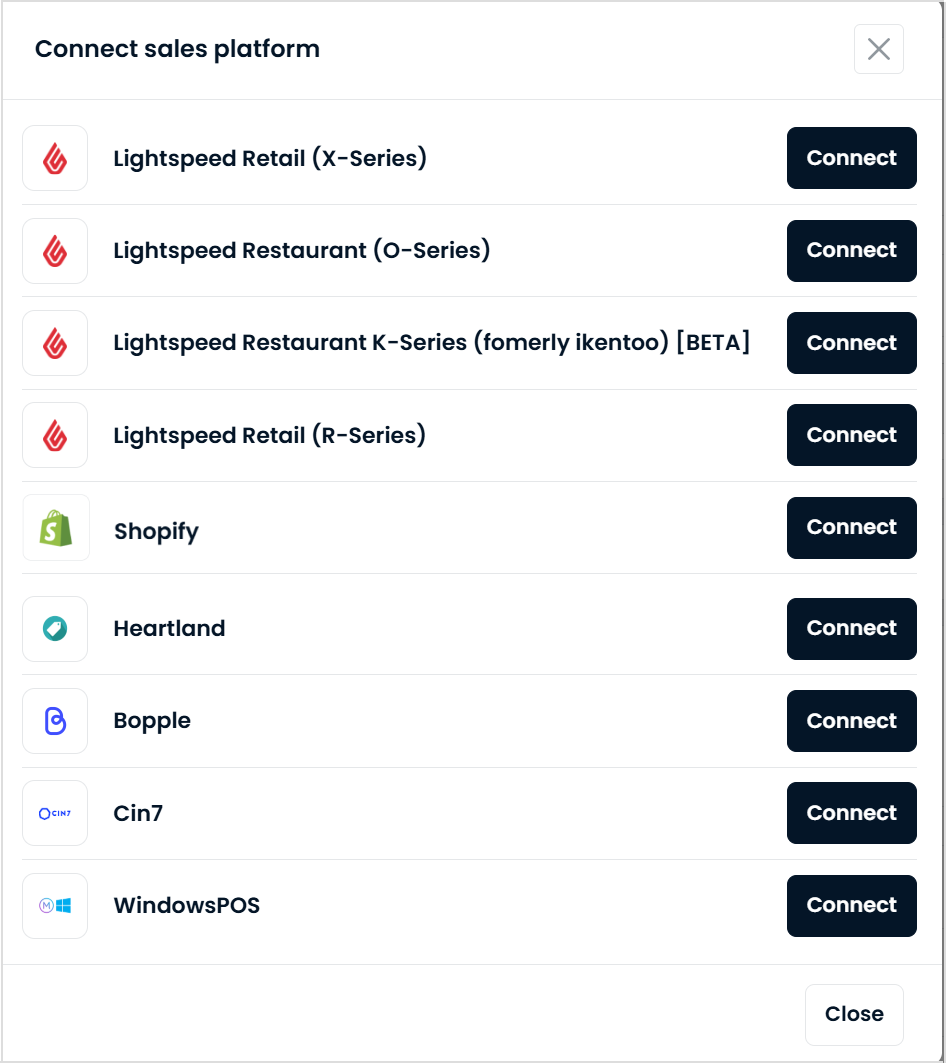
To connect your POS or eCommerce integration to Marsello during sign-up, select your sales platform from the menu and click "Connect."
Connect a sales integration from the POS & integrations page
-
In your Marsello app admin, go to Settings > Integrations > Sales platforms and click Connect sales platform.

-
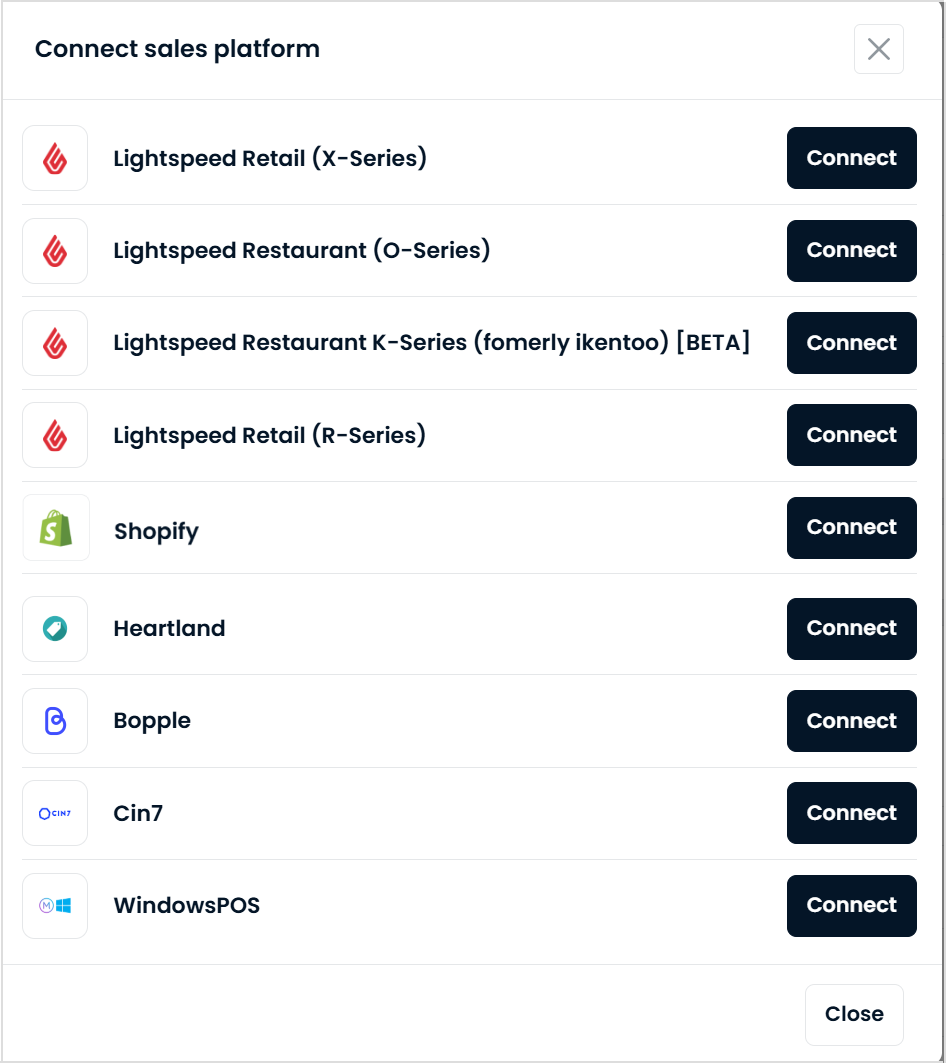
Next to the sales integration you are looking to add, click Connect.
-
After you click Connect (during sign-up or from Settings > Integrations > Sales platforms), a popup opens. Authorize the connection between Marsello and your sales integration in the popup.
📝 Note: Lightspeed merchants will be prompted to log in to their Lightspeed sales integration during this process if not already logged in.
-
This will form the connection between your sales integration and Marsello. Your orders and customers will now begin to sync through to your Marsello account 🎉
Your sales integration will now display in your Marsello app admin under the Integrations page; including any POS and eCommerce sites listed on your account.
How do I add a second sales integration to Marsello?
Omnichannel merchants can add a second sales integration, enabling customers to enjoy a seamless loyalty experience across both in-store and online channels.
📝 Note: Adding and enabling a second sales integration in your Marsello account will result in an update to your billing.
-
To add your second sales integration from your Marsello admin, go to Settings > Integrations > Sales platforms and click Connect sales platform.

-
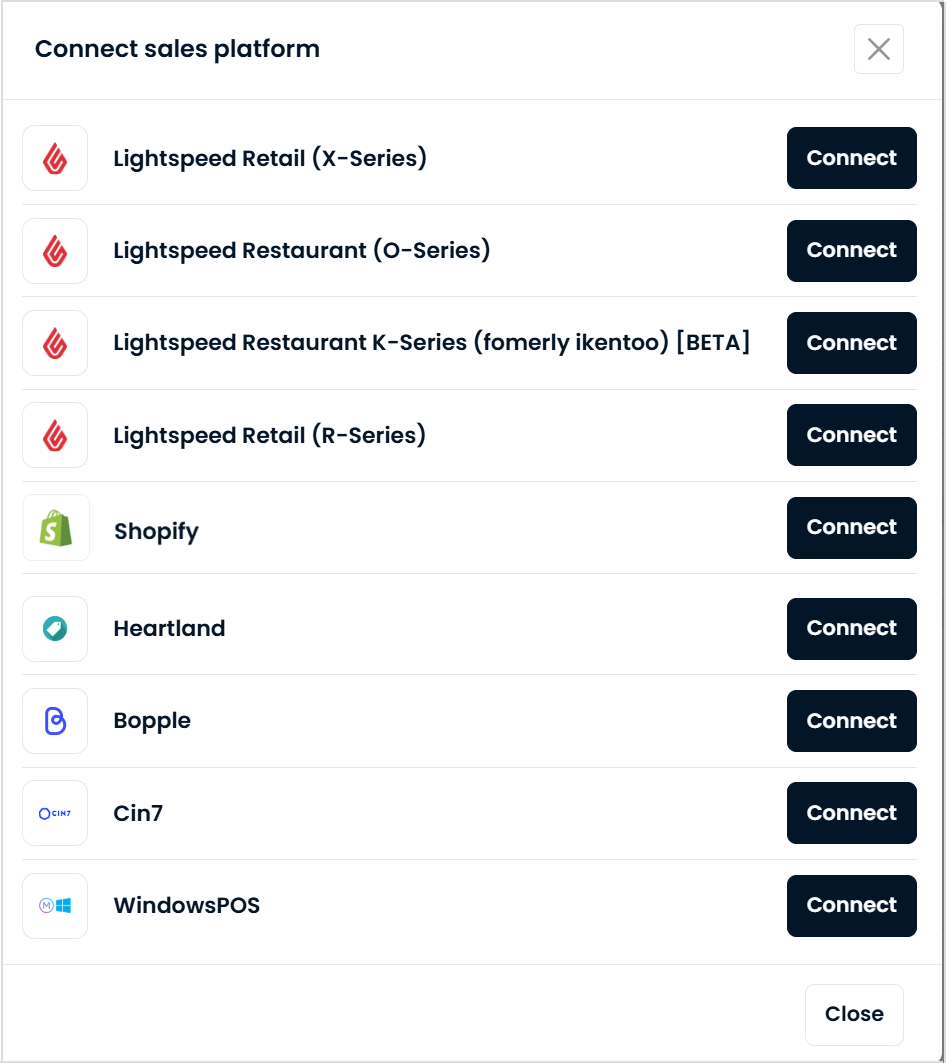
This will open a list of sales integrations you can add to Marsello, which will work alongside your current sales integration. Select the integration you want to add and click "Connect."
⚠️Important: Merchants are limited to connecting one eCommerce integration per Marsello account. If your store operates multiple eCommerce sites, a separate Marsello account will be required for each site.
-
After clicking connect from either method, you will be asked to authorize the connection between Marsello and your sales integration. You will see a pop-up open asking you to authorize the connection.
📝 Note: Lightspeed merchants will be prompted to log in to their Lightspeed sales integration during this process if not already logged in.
-
This will form the connection between your sales integration and Marsello. Your orders and customers will now begin to sync through to your Marsello account 🎉
Your sales integrations will now display in your Marsello app admin under the Integrations page; including any POS and eCommerce sites listed on your account.
How do I disconnect a sales integration from Marsello?
You can disconnect a sales integration from your Marsello dashboard in a few steps, for example when you switch to a new integration or need to disconnect and reconnect.
-
In your Marsello dashboard, go Settings > Connections > Sales platforms to access your integrations page.
-
Scroll to the integration you want to remove and click the Disconnect button.

📝 Note: Disconnecting this integration from Marsello will stop customer information from syncing and prevent customers from earning points or redeeming rewards through this integration.
The integration will still appear on your Marsello dashboard without an active connection, allowing you to reconnect it in the future if needed.
How do I reconnect a sales integration in Marsello?
If you have run a disconnect of your sales integration and need to reconnect, you can do this from your Marsello dashboard.
-
In your Marsello dashboard, go Settings > Connections > Sales platforms to access your integrations page.
-
Scroll to the integration you want to reconnect and click on the Connect button.

-
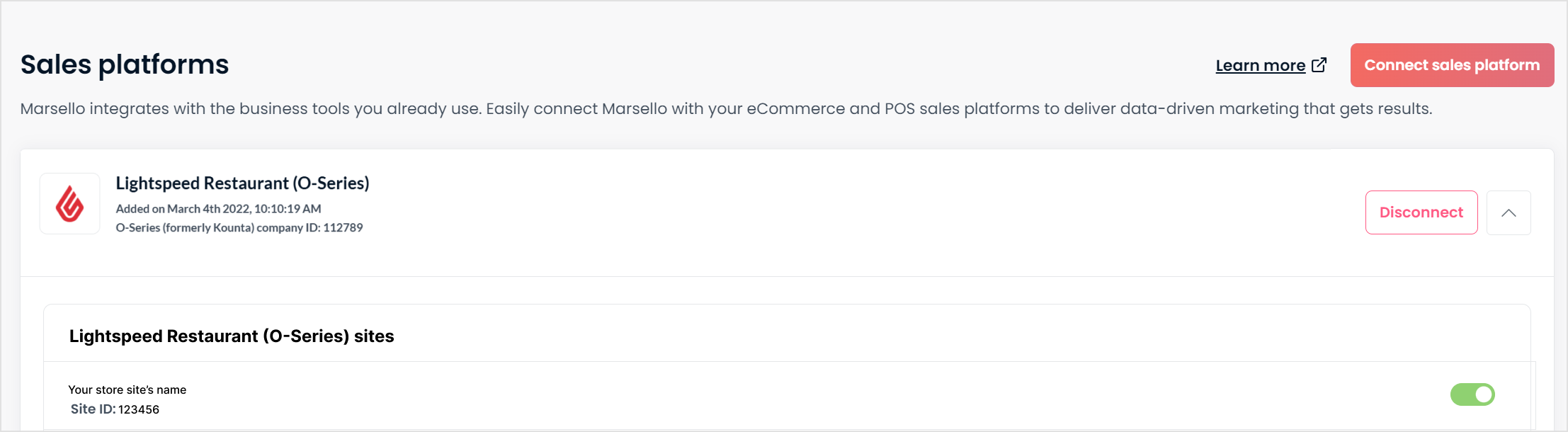
If you have individual store sites connected to this sales platform, make sure each site is enabled in Marsello by switching the toggle button for that site on.
[CHECK: what the customer sees once the sales integration is reconnected, and any sync delay]
FAQs
Q. Can I add more than one eCommerce sales integration to Marsello?
A. No. You can only connect one eCommerce sales integration per Marsello account. If your store operates multiple eCommerce sites, a separate Marsello account is required for each site. If this is something you'd like to see added, feel free to vote for this feature. Your feedback goes directly to our product team and helps us prioritize what's most important to you!