-1.svg)
Export RFM segments from your customer database quickly with this step-by-step guide.
🏷️Available on all Marsello pricing plans.
What is the process to export an RFM customer segment?
- In your Marsello admin, go to the Home page
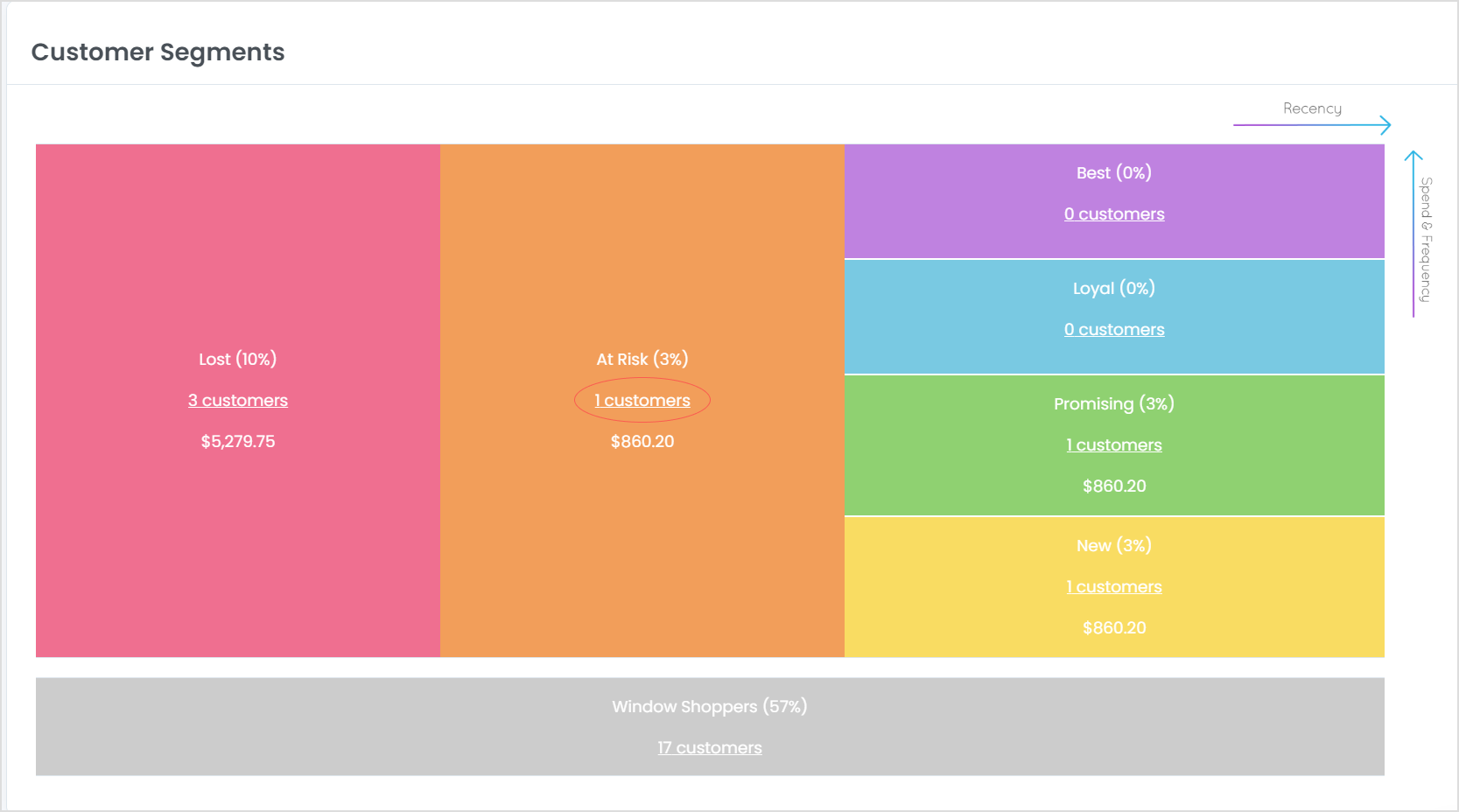
- Under Your Customer Segments, click the number of customers text link of the segment that you would like to export:
- From the RFM Segment page, click Export Segment in the top left corner. The export will include all customers who have provided an email, regardless of their marketing status. To save only those who accept marketing, you will need to filter the exported .csv file by keeping customers with the "accepts marketing" column marked as "true".